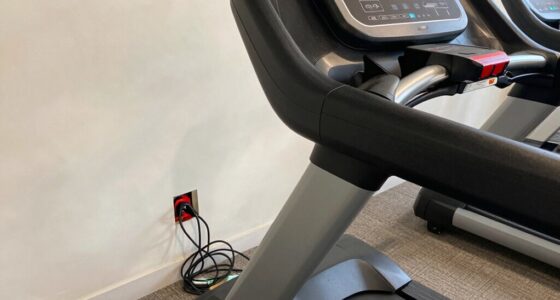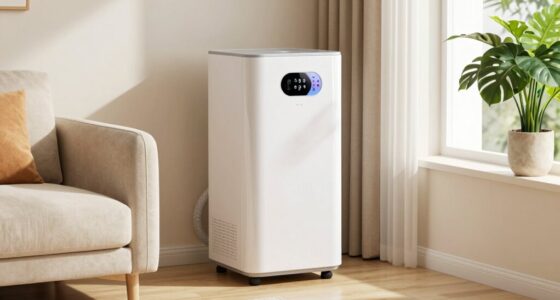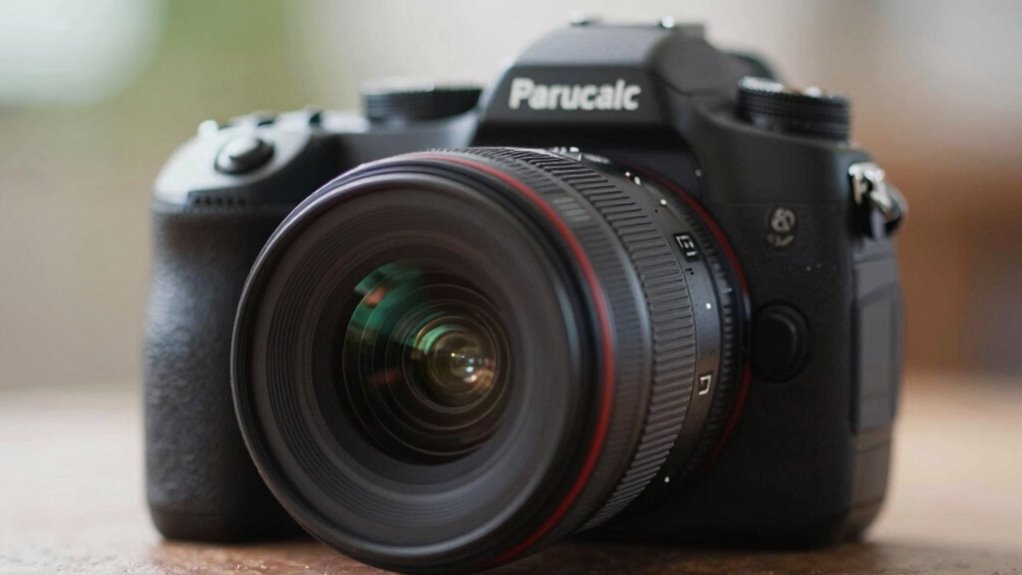
To make your products appear bigger, shoot from a low camera angle slightly upward to emphasize size and dominance. Use strategic lighting, like side lighting, to create shadows and highlights that add depth, making the product pop. Keep the background simple and close to the camera while the background stays farther away to enhance perspective. Combining these techniques can dramatically boost your product’s visual impact—stay tuned for more tips to perfect this trick.
Key Takeaways
- Use a low camera angle to create a sense of dominance and make products appear larger.
- Position the camera close to the product while keeping the background farther away for perspective distortion.
- Combine strategic lighting with shadows to enhance the product’s volume and three-dimensionality.
- Choose simple, minimal backgrounds to prevent distraction and emphasize the product size.
- Incorporate perspective tricks, like forced perspective, to visually exaggerate the product’s scale.
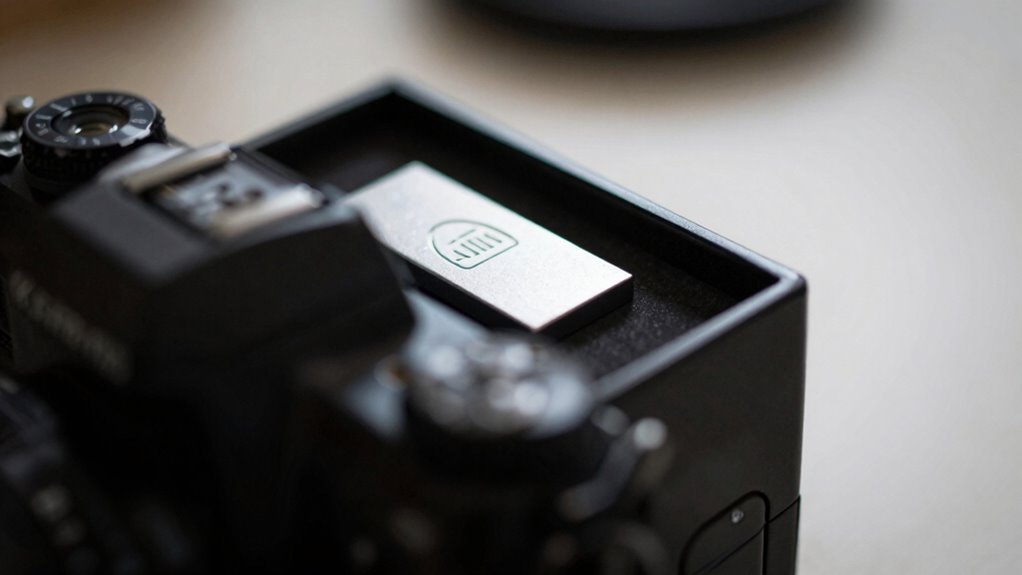
If you want your products to appear larger and more eye-catching in photos, mastering the right angle can make all the difference. The key lies in understanding how to manipulate perspective to emphasize size. One of the most effective tricks involves positioning your camera so that the product appears bigger relative to its surroundings. This often means shooting from a low angle, slightly upward, which creates a sense of dominance and scale. When you do this, your product seems to leap out of the frame, grabbing attention immediately.
Use low angles to make your products appear larger and more striking in photos.
But angle alone isn’t enough. You need to pay close attention to lighting techniques that enhance this illusion. Bright, directional lighting can cast shadows that add depth, making your product look more three-dimensional and substantial. Side lighting works especially well, highlighting contours and emphasizing volume. Avoid flat or overly diffuse lighting, as it can diminish the perceived size and make your product look dull or flat. Instead, aim for a setup that produces sharp shadows and highlights, which help your product pop visually.
Background choices also play a vital role in making your product look bigger. A simple, uncluttered background keeps the focus on the product itself, preventing distractions that could diminish the illusion of size. Consider using a plain, neutral color or a subtle gradient that complements your product. Additionally, placing the product close to the camera while keeping the background farther away enhances the perspective effect—this technique, often called forced perspective, tricks the eye into perceiving the product as larger than it actually is. This technique is also aligned with the principles of creative storytelling for branding, where visual cues can reinforce a brand’s message and impact.
You can also experiment with background textures and patterns. A solid background minimizes visual noise, while a clean, minimalist backdrop directs all attention to the product. If you choose a background with some texture, make sure it’s subtle enough not to compete with the product for attention. The goal is to create a visual environment that supports the perspective trick, making the product appear larger without overwhelming the viewer.
In essence, combining the right angle with effective lighting techniques and thoughtful background choices creates a powerful visual illusion. When you position your product from a low angle, light it to emphasize depth, and select backgrounds that keep the focus tight, you craft images that make your products seem bigger and more impressive. This simple yet strategic approach can considerably boost the appeal of your photos, helping your products stand out in any setting. Additionally, understanding how to utilize perspective techniques can further enhance the size illusion and draw viewers’ attention more effectively. Incorporating visual storytelling can also help emphasize the size and importance of your product within its environment.
product photography low angle tripod
As an affiliate, we earn on qualifying purchases.
As an affiliate, we earn on qualifying purchases.
Frequently Asked Questions
Does Lighting Affect the Perception of Product Size?
Yes, lighting affects how you perceive product size. You can use product positioning and lighting contrast to create a sense of scale. Bright, focused lighting on a product makes it appear larger, while softer, diffused lighting can make it seem smaller. Properly positioning your product within the frame and playing with lighting contrast helps emphasize its size, drawing attention and influencing perception effectively.
Can Background Color Influence Product Size Perception?
A bright, contrasting background can make your product seem larger. Imagine a sleek, white phone on a dark blue backdrop; the color contrast draws viewer focus directly to the phone, enhancing its perceived size. Background color considerably influences perception by guiding attention and creating visual emphasis. So, choose your background wisely to manipulate how big or small your product appears, leveraging color contrast to capture and direct viewer focus effectively.
What Camera Settings Are Best for This Photo Trick?
You should use a focal length of around 24-50mm to enhance depth perception, making objects appear larger and more prominent. Keep your aperture wide (f/2.8 to f/5.6) to create a pleasing background blur, which further emphasizes the product. Use a lower ISO for clarity, and adjust shutter speed to match lighting conditions. These settings help manipulate perspective, making your product look bigger and more eye-catching in photos.
How Does Lens Choice Impact the Illusion of Size?
Choosing the right lens impacts your illusion of size by influencing depth perception and focal length. A wide-angle lens, with a shorter focal length, exaggerates the product’s size and creates a sense of depth, making it appear larger and more prominent. Conversely, a telephoto lens, with a longer focal length, compresses space, reducing size distortion. Your choice directly affects how viewers perceive the product’s scale and prominence in your shot.
Are There Specific Products That Work Best With This Trick?
Certain products, like small gadgets, jewelry, or snacks, work best with this photo angle trick. You should focus on strategic product placement and use an angle distortion to emphasize size. By positioning the product closer to the camera and choosing the right angle, you create an illusion of larger size. This technique draws attention and makes the product stand out, making it more appealing to potential buyers.
As an affiliate, we earn on qualifying purchases.
Conclusion
Now that you’ve learned this simple photo angle trick, you’re ready to subtly highlight your products’ best features. With just a slight change in perspective, you can create an illusion that makes your items appear more impressive—without any extra effort or fancy equipment. Just remember, it’s all about guiding your viewer’s eye and inviting them to see your product in the best light possible. Happy shooting, and watch your products shine!
minimalist background for product photography
As an affiliate, we earn on qualifying purchases.
As an affiliate, we earn on qualifying purchases.
forced perspective camera accessories
As an affiliate, we earn on qualifying purchases.
As an affiliate, we earn on qualifying purchases.