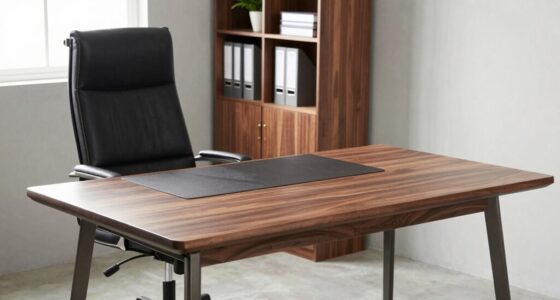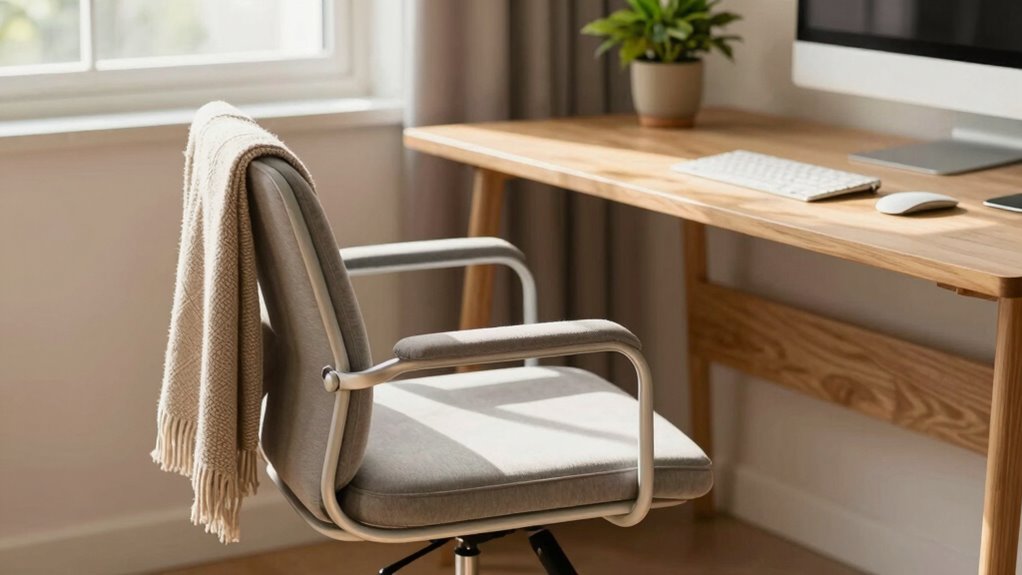

To quickly boost your home office comfort on a budget, start by adjusting your chair for proper support and adding a lumbar cushion if needed. Improve lighting by combining natural light with a soft desk lamp or indirect lighting to reduce eye strain. Keep your space organized by decluttering and tucking away cables. Add small touches like a plant or footrest for extra comfort. Keep exploring for more inexpensive tips to make your workspace even better.
Key Takeaways
- Use affordable ergonomic cushions and footrests to instantly improve seating comfort and posture.
- Adjust your monitor to eye level with inexpensive stands or books to reduce neck strain.
- Incorporate soft, warm lighting with budget desk lamps or natural light to lessen eye fatigue.
- Declutter your workspace to enhance focus and create a more relaxing environment instantly.
- Add small personal touches like plants or artwork to make your space more inviting without extra cost.
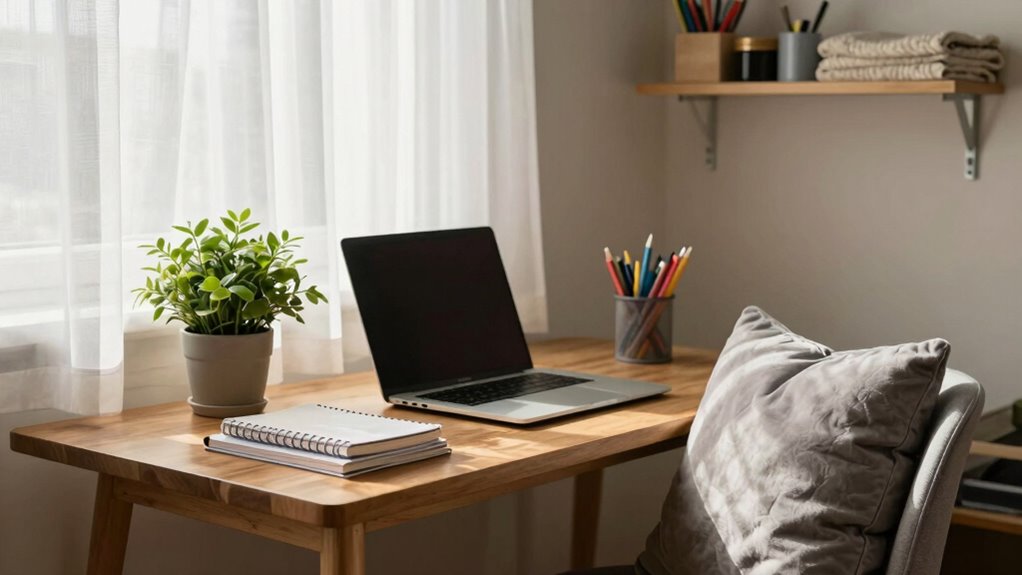
Creating a comfortable home office doesn’t have to break the bank. Small changes can make a significant difference in how you feel during long work hours. One of the easiest and most affordable upgrades you can make is investing in ergonomic accessories. These items, like adjustable chairs, lumbar support cushions, or even an ergonomic keyboard and mouse, help reduce strain on your body. You might not think about it at first, but proper ergonomics can prevent discomfort and long-term health issues. You don’t need to buy top-of-the-line gear; even budget-friendly options can improve your posture and comfort. Positioning your monitor at eye level and supporting your lower back with a cushion can be quick fixes that pay off immediately.
Alongside ergonomic accessories, paying attention to ambient lighting can dramatically boost your workspace comfort. Harsh overhead lights or dim environments can cause eye strain and fatigue. Instead, aim for a mix of natural light and warm, soft artificial lighting. If natural light isn’t enough or isn’t available, affordable desk lamps with adjustable brightness let you customize your lighting to suit your needs. Ideally, you want your light source to be indirect, reducing glare on your screen while providing enough illumination to work comfortably. Good ambient lighting not only eases eye strain but also creates a more inviting atmosphere, helping you stay focused and motivated. Incorporating lighting control can further optimize your workspace environment.
Another budget-friendly tip is to declutter your workspace. Clear away unnecessary items, organize cables with affordable clips or ties, and keep only what you need within arm’s reach. A tidy environment reduces distractions and makes it easier to stay productive. Adding a few personal touches, like a plant or a piece of artwork, can also make your space feel more inviting without costing much. Plants, in particular, are inexpensive and can improve air quality, boost your mood, and add a touch of nature. Incorporating sound therapy or calming music into your routine can also enhance focus and reduce stress during work. Additionally, understanding the importance of ergonomic positioning can lead to better long-term comfort and health. Remember that ergonomic principles are key to creating a sustainable and health-conscious workspace that supports your well-being over time.
Finally, consider upgrading your seating position with a simple cushion or footrest if your chair isn’t perfect. These small, inexpensive additions can improve your posture and comfort throughout the day. Remember, comfort doesn’t always mean expensive furniture; small adjustments often have the greatest impact. By focusing on ergonomic accessories and ambient lighting, you can create a more comfortable, health-conscious workspace quickly and affordably. These simple updates don’t require a big investment but can make your home office a more pleasant and productive environment almost instantly.
ergonomic lumbar cushion for office chair
As an affiliate, we earn on qualifying purchases.
As an affiliate, we earn on qualifying purchases.
Frequently Asked Questions
Can Plants Really Improve My Home Office Comfort?
Yes, plants can genuinely improve your home office comfort. They enhance indoor air quality by filtering toxins and increasing humidity, making the space fresher and more pleasant. Plus, they add a calming touch that reduces stress. Just remember proper plant maintenance—watering, sunlight, and occasional pruning—to keep them healthy and thriving. With a few plants, you’ll create a more inviting, comfortable, and healthier workspace quickly and affordably.
How Can I Reduce Noise Without Expensive Solutions?
You can reduce noise easily by hanging soundproofing curtains, which absorb sound and block out external noise. Adding foam panels to your walls is another affordable solution that dampens echoes and muffles sound. Arrange these panels strategically around your workspace for maximum effect. Combining soundproofing curtains and foam panels creates a quieter environment, boosting your comfort and focus without breaking the bank.
Are Ergonomic Accessories Worth the Investment?
Ergonomic accessories are like a secret handshake for comfort—worthwhile investments that pay off. An ergonomic chair offers proper support, preventing discomfort and boosting productivity. Keyboard accessories, such as wrist rests, reduce strain during long typing sessions. While they’re an upfront cost, these upgrades can transform your workspace, making it healthier and more comfortable. If you spend hours at your desk, ergonomic items are definitely worth the investment.
What Lighting Options Are Best for Comfort and Productivity?
You should choose lighting with adjustable color temperature and focus on task lighting to boost comfort and productivity. Warm light (around 2700K-3000K) creates a cozy atmosphere, while cooler light (around 4000K-5000K) helps you stay alert. Use desk lamps or adjustable fixtures to direct light where needed, minimizing eye strain. Combining ambient and task lighting ensures your workspace is well-lit, improving focus and reducing fatigue.
How Often Should I Take Breaks to Stay Comfortable?
You should take a break every 30 to 60 minutes to stay comfortable and prevent strain. During your breaks, stand up, stretch, or walk around to relieve pressure from your ergonomic chair and reset your posture. An adjustable desk can help you alternate between sitting and standing, reducing discomfort. Regular breaks keep you focused, reduce fatigue, and improve overall comfort, making your home office a healthier, more productive space.
As an affiliate, we earn on qualifying purchases.
Conclusion
Imagine sinking into a plush, supportive chair after a long day, your workspace transformed by simple, affordable tweaks. With a few dollar-store finds and clever tips, you can turn your home office into a cozy haven where comfort meets productivity. No need for costly upgrades—just a bit of creativity and effort. Soon, you’ll be surrounded by a warm, inviting space that makes every workday feel a little easier and a lot more enjoyable.
budget desk lamp with adjustable brightness
As an affiliate, we earn on qualifying purchases.
As an affiliate, we earn on qualifying purchases.
As an affiliate, we earn on qualifying purchases.