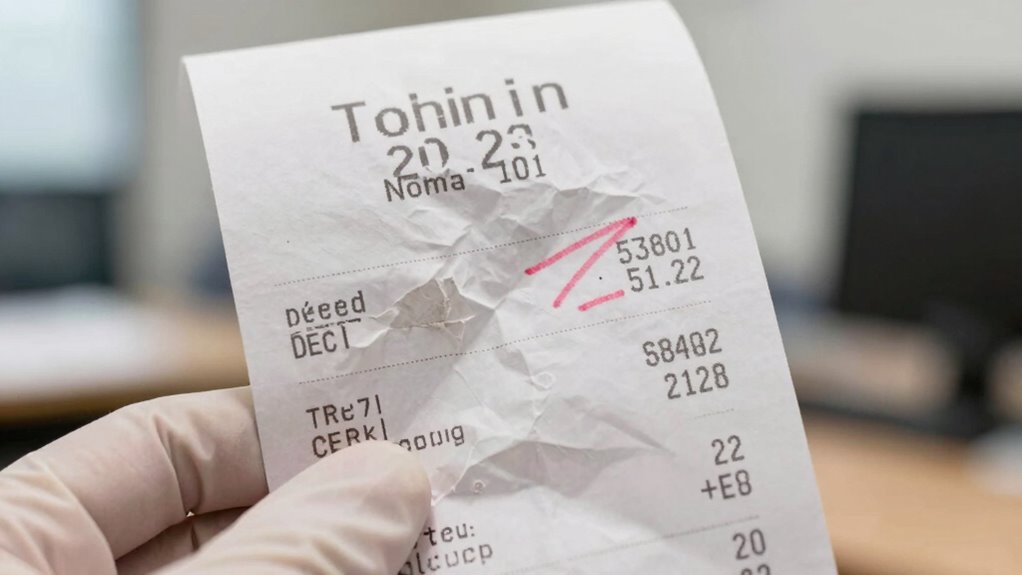

The biggest mistake that can lead to rebate claim denial is uploading blurry, incomplete, or incorrect receipts. Poor quality images or missing details make it hard for reviewers to verify your purchase, often causing delays or rejection. Make certain your receipts are clear, well-lit, and fully visible, especially key details like the date and store name. Paying attention to these details increases your chances of approval. Keep going to find out how to avoid these common pitfalls even more.

Get your next haul delivered free with Prime
- Fast, free delivery on millions of items
- Prime Video, Amazon Music and more included
- Member-only deals all year
Key Takeaways
- Uploading blurry or incomplete receipts prevents verification of purchase details, leading to claim denial.
- Using poor-quality images makes it difficult to read critical information like date and store name.
- Submitting receipts that do not match the specific claim or are outdated increases rejection risk.
- Disorganized or mislabeled digital receipts can cause incorrect uploads and processing delays.
- Failing to verify that the uploaded receipt clearly shows all necessary details can result in claim rejection.
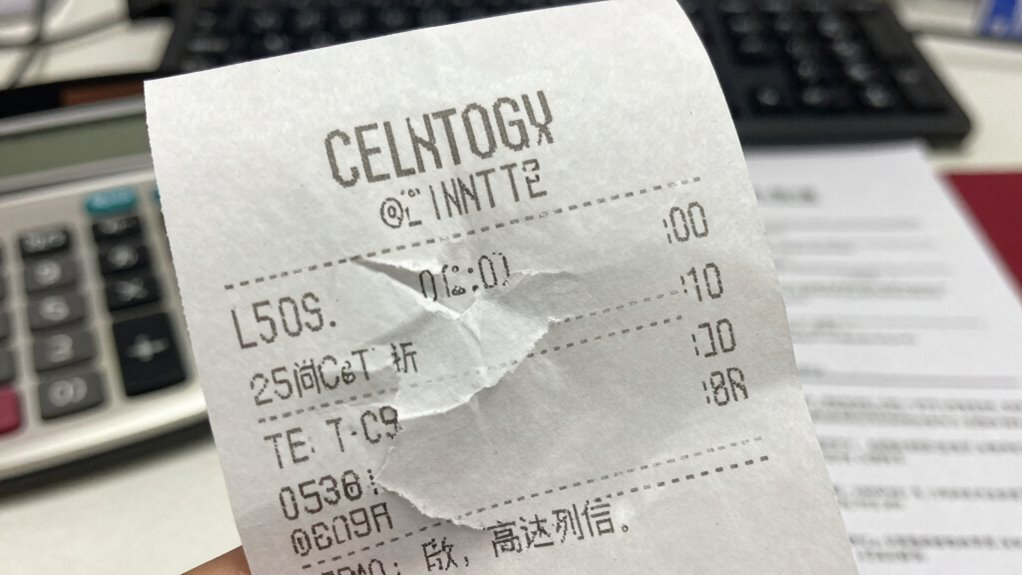
Submitting a rebate claim can be straightforward, but one common mistake often leads to its denial: uploading the wrong receipt or an unclear image. This mistake can cause delays or outright rejection because the claim review process relies heavily on accurate and legible proof of purchase. When you upload a blurry or incomplete receipt, it hampers claim verification, making it difficult for the system or reviewer to confirm your purchase details. As a result, your rebate gets rejected, and you may have to start the process all over again.
Uploading unclear or incorrect receipts can lead to rebate rejection and delays in processing.
A key reason for this issue lies in how receipts are stored and managed digitally. Many people overlook the importance of digital storage best practices when saving receipts. If your digital copies are poorly organized or stored in low-quality scans, it’s easy to accidentally upload the wrong image. Guarantee your digital storage is tidy, with properly labeled and high-resolution images, can prevent mix-ups. This way, you can quickly locate the correct receipt when submitting your claim, reducing the risk of errors.
Moreover, clear images are essential for smooth claim verification. When your receipt is blurry, faded, or cut off, the reviewer can’t verify critical details such as purchase date, store name, or total amount. These details are often cross-checked against purchase records or store databases during claim verification. If they aren’t visible or legible, the claim will likely be denied. To avoid this, always take high-quality photos in good lighting, make sure the entire receipt fits within the frame, and check that all numbers and text are readable before submitting.
Another common mistake is submitting a receipt that doesn’t match the purchase details on the claim form. Sometimes, people upload an old receipt or a different transaction altogether. This mismatch raises red flags during claim verification, leading to denial. To prevent this, double-check that the receipt corresponds exactly to the purchase in question. Keep your digital storage organized so you can easily find the correct receipt and avoid confusion.
In the end, successful rebate claims depend on careful digital storage and clear, accurate images. When you pay attention to these details, the claim verification process becomes smoother, and your chances of approval increase. Take the time to store receipts properly, ensure images are high-resolution and complete, and verify that all details match your claim. Doing so saves you time, frustration, and the risk of losing your rebate due to a preventable mistake.
As an affiliate, we earn on qualifying purchases.
Frequently Asked Questions
How Long Does It Take to Process a Denied Rebate Claim?
It typically takes between 4 to 6 weeks to process a denied rebate claim after you submit additional information. During this time, claim verification is thorough to guarantee compliance with rebate policies. You should stay in contact with the rebate provider and provide any requested documentation promptly. Keep track of your submission date to monitor progress. Processing times can vary, so patience and careful follow-up help make certain your claim gets reconsidered.
Can I Resubmit a Rejected Receipt for the Same Rebate?
Yes, you can resubmit a rejected receipt, but it depends on the rebate policy. First, verify that the receipt meets the receipt verification requirements. Check if the issue was a simple upload mistake or a documentation problem. If you fix the mistake, resubmitting your receipt is usually permitted, but some rebate programs have specific rules about resubmissions. Always review the rebate policy to guarantee your new submission complies.
Are Digital Receipts Accepted for Rebate Claims?
Yes, digital formats are generally accepted for rebate claims, but it’s essential to guarantee proper receipt verification. When submitting digital receipts, make sure the images are clear, complete, and legible, as blurry or incomplete images might cause rejection. Confirm the rebate program’s guidelines, since some programs may require original paper receipts. Properly uploaded digital receipts streamline the verification process and help secure your rebate without delays.
What Are Common Reasons for Rebate Claim Denials?
Ever wonder why your rebate claim gets denied? It often boils down to incomplete or blurry claim documentation and poor receipt scanning. You might upload expired receipts or fail to include essential details, making it seem like you’re chasing shadows. Double-check that your digital receipts are clear and all info is visible before submitting. These small mistakes turn your efforts into a fruitless chase, so be thorough to avoid denial.
Is There a Deadline to Correct Receipt Upload Errors?
Yes, there is typically a deadline to rectify receipt upload errors during the claim correction process. You should verify the specific timeframe provided by the rebate program, as deadlines vary. Promptly addressing receipt verification issues ensures your claim stays active and avoids denials. Act quickly to submit any necessary corrections, following the claim correction process outlined by the program, to maximize your chances of successful rebate approval.
As an affiliate, we earn on qualifying purchases.
Conclusion
Don’t dawdle on details or delay your deadlines. Double-check every receipt for clarity, completeness, and correctness before submitting. A careless click or missing minute can mean the difference between a delightful rebate and a denied claim. Stay sharp, stay structured, and safeguard your savings by ensuring your receipts are spotless. Stick to these simple steps, and you’ll stop setbacks in their tracks, securing your rebates without hassle or heartbreak.
As an affiliate, we earn on qualifying purchases.
receipt storage and labeling system
As an affiliate, we earn on qualifying purchases.
As an affiliate, we earn on qualifying purchases.
Halloween Picks
halloween
As an affiliate, we earn on qualifying purchases.