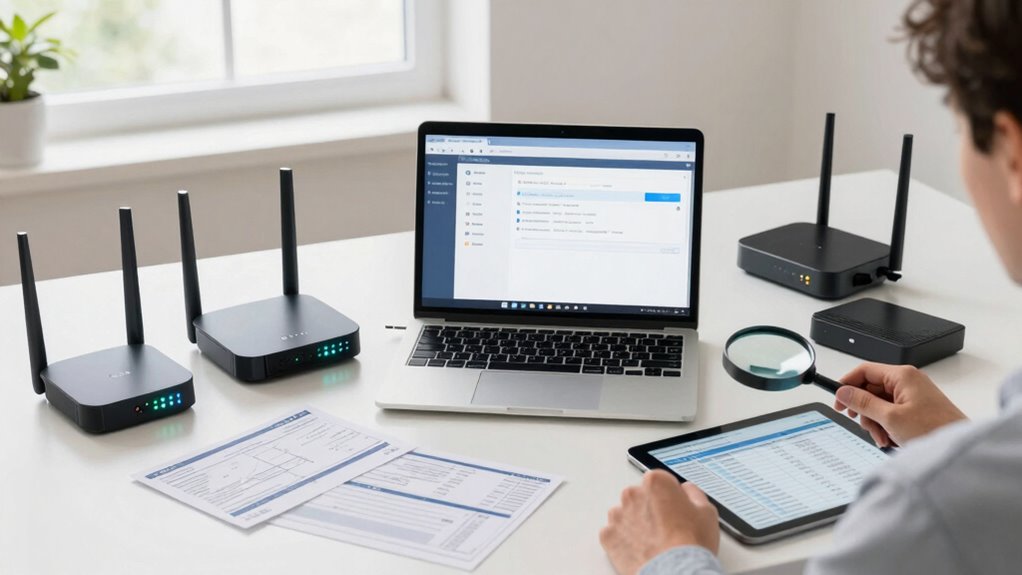

To budget for a faster home network, start by evaluating your current performance and identifying bottlenecks. Decide whether upgrading your plan or hardware offers the best value, and look out for seasonal deals or promotions. Focus on cost-effective DIY fixes like repositioning your router or changing channels before spending money. Stagger upgrades over time to save, and make sure the improvements match your future needs. Keep exploring to find tips that optimize your budget even further.

Get your next haul delivered free — and shop member deals
- Fast, free delivery on millions of items
- Access to Prime Big Deal Days deals on October 6–7
- Prime Video, Amazon Music and more included
Key Takeaways
- Assess current network performance and identify weak spots before investing in upgrades.
- Prioritize upgrading hardware only if current plan speeds meet your needs.
- Look for promotional sales and bundle deals when purchasing new equipment or plans.
- Consider cost-effective DIY improvements like optimal router placement and interference reduction.
- Plan upgrades strategically around sales events to maximize value and avoid unnecessary expenses.
As an affiliate, we earn on qualifying purchases.
Why Your Home Wi-Fi Might Be Slow and How to Fix It
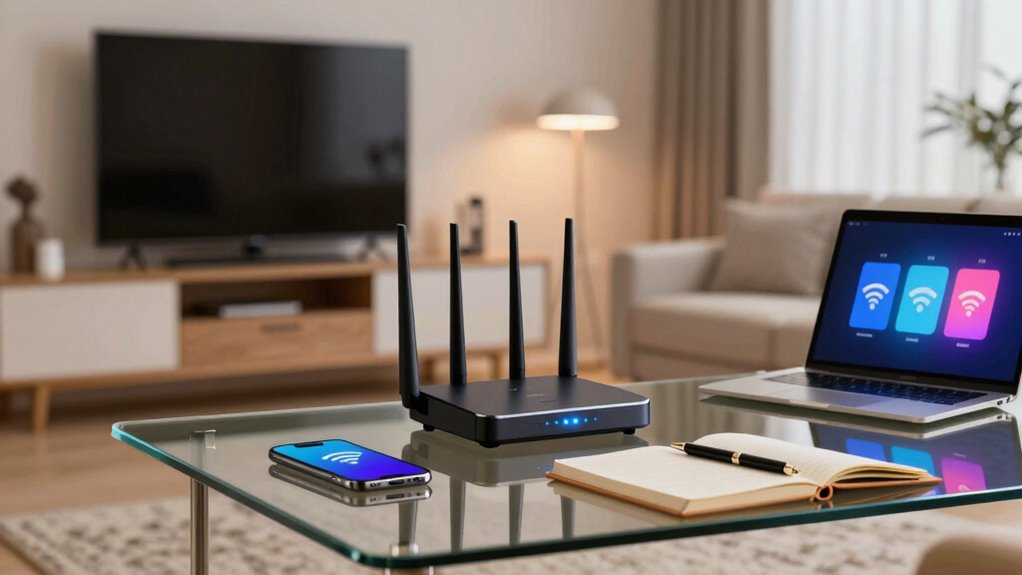
If your home Wi-Fi feels sluggish, there are often simple reasons behind the slowdown. Wireless interference from other devices, like cordless phones or microwaves, can disrupt your signal, reducing speed and stability. Signal attenuation, caused by walls, furniture, or distance from your router, also weakens your Wi-Fi connection over time. These issues lead to slower downloads, buffering videos, and frustrating lag. To fix this, try relocating your router to a central, open spot with fewer obstacles. Avoid placing it near electronic devices that emit interference. Using a Wi-Fi analyzer can help identify sources of interference and dead zones. Addressing wireless interference and signal attenuation is a quick, cost-effective way to improve your Wi-Fi’s performance without spending a lot. Understanding home network design principles can also help optimize your setup for better coverage, especially by considering measurement tools to evaluate signal strength and identify problem areas. Additionally, implementing interference mitigation strategies can further enhance your network stability and speed.
As an affiliate, we earn on qualifying purchases.
Assess Your Current Network Performance and Identify Bottlenecks
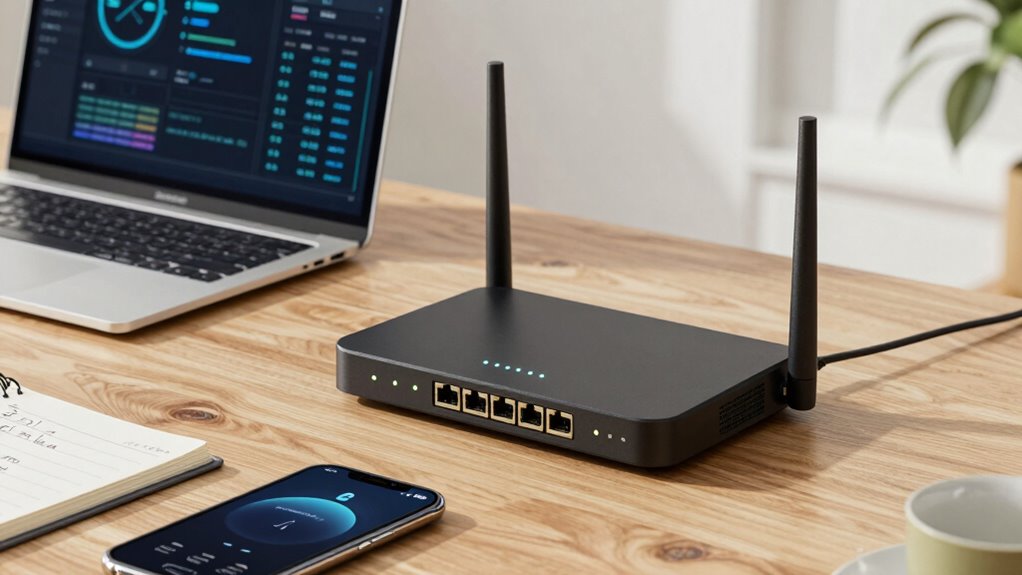
Start by testing your current internet speeds to see how they compare to your plan. Pay attention to devices or areas where the connection feels slow or unreliable, as these are often bottlenecks. Identifying these weak points will help you target upgrades effectively. Additionally, consider how microplastics in dust might impact your indoor environment and, indirectly, your network usage, especially if dust buildup affects your devices or routers. Just as a flywheel can improve engine performance by providing consistent energy transfer, optimizing your network setup can lead to smoother, more reliable connectivity. Understanding the long-term structure of digital concepts can also help you make more informed decisions about future upgrades. Regularly cleaning and maintaining your equipment is crucial because dust buildup can affect network hardware performance, especially in environments with poor air quality or high dust levels.
Test Current Speeds
Wondering whether your current internet speed can handle your household’s needs? The first step is to test your speeds using online tools like Speedtest.net. This helps you see if you’re getting what your internet provider promises. Pay attention to network congestion, especially during peak hours, which can slow your connection. Signal interference from household electronics or thick walls may also affect your speeds, causing inconsistent performance. Run multiple tests at different times of day to get an accurate picture. If your results are lower than your plan’s advertised speed, or if network congestion and interference are common issues, it’s time to think about upgrades. Knowing your current speeds and issues helps you budget wisely for a network that truly meets your household’s demands. Additionally, understanding free floating backyard transformation essentials can inspire ways to optimize your outdoor spaces for better relaxation and entertainment, complementing your upgraded home network. Recognizing potential interference sources within your environment can further enhance your network’s reliability and speed, especially in areas affected by electromagnetic interference. Being aware of common household electronics that cause interference can help you take steps to reduce disruptions and improve overall performance. For example, relocating or shielding devices like cordless phones and microwaves can significantly reduce signal disruption, leading to a more stable connection.
Locate Network Bottlenecks
To effectively improve your home network, you need to identify where performance drops occur, which means locating bottlenecks. Start by testing your Wi-Fi signal strength in different areas; weak signals often indicate interference or distance issues. Next, check for wireless interference from other devices like microwaves or neighboring Wi-Fi networks that can disrupt performance. Use speed tests during peak usage times to spot congestion points. Also, assess your router placement—obstructions and thick walls can cause signal loss. Finally, examine your network hardware—outdated routers or switches might limit bandwidth. Additionally, understanding the contrast ratio of your network setup can help you determine the quality of your connection, especially in terms of handling high-definition streaming or gaming. By pinpointing these bottlenecks, you’ll better understand where to invest in upgrades or adjustments, ensuring your budget targets the most impactful improvements for a faster, more reliable home network.
As an affiliate, we earn on qualifying purchases.
How to Set a Realistic Budget for Your Internet Upgrade
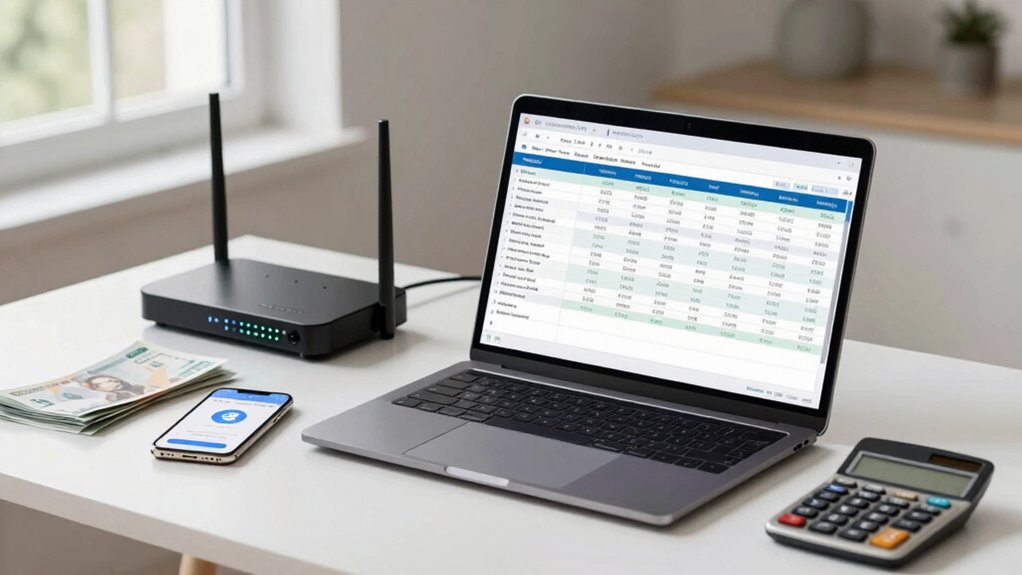
Establishing a realistic budget for your internet upgrade is essential to avoid overspending or settling for subpar service. Start with effective budget planning by identifying how much you’re willing to spend and what features you need. Conduct accurate cost estimation by researching the prices of internet plans, equipment, and installation fees. Consider your current usage and future needs to set a feasible range. Don’t forget to account for potential hidden costs, like service upgrades or maintenance. Setting a clear budget helps prevent impulse purchases and ensures you get the best value for your money. Keep your goals attainable, balancing performance improvements with affordability. For a successful upgrade, understanding the importance of content quality can help you prioritize features that truly enhance your browsing experience. With a well-planned budget, you’ll be ready to upgrade without financial stress or disappointment. Being aware of cost estimation techniques can further help you make informed decisions and avoid unexpected expenses.
As an affiliate, we earn on qualifying purchases.
Which Hardware Components Most Improve Your Wi-Fi Speed
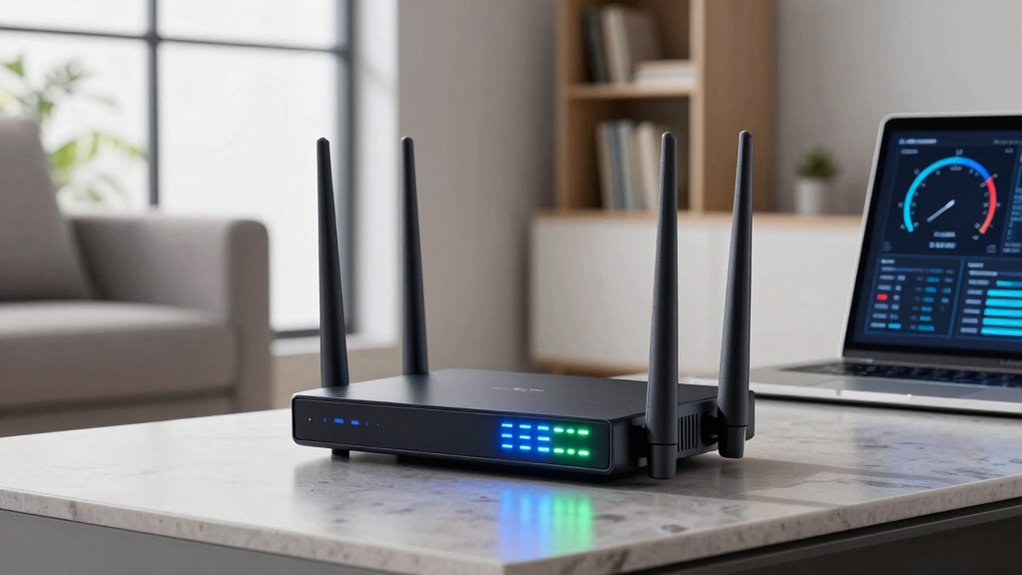
Upgrading your hardware can make a big difference in Wi-Fi speed, starting with high-performance routers that handle multiple devices better. Mesh network systems extend coverage seamlessly, eliminating dead zones around your home. Additionally, quality Ethernet cables guarantee a fast, stable connection when wired devices need maximum speed. For larger properties, integrating multi-unit setups with multiple routers can further optimize coverage and performance. Incorporating local automation features can also improve network efficiency and responsiveness by managing device traffic intelligently.
High-Performance Routers
High-performance routers pack the most punch when it comes to boosting your Wi-Fi speed, thanks to key hardware components that directly influence network performance. To get the most out of your investment, focus on these aspects:
- Wireless Standards – Opt for routers supporting the latest standards like Wi-Fi 6 for faster speeds and better device handling.
- Processor Power – A faster CPU ensures your router manages multiple devices efficiently without lag.
- Antenna Design – External, adjustable antennas improve coverage and signal strength, especially in larger homes.
- Router Placement – Position your router centrally and elevate it to minimize interference, maximizing speed and coverage.
Mesh Network Systems
Mesh network systems are designed to expand and strengthen your Wi-Fi coverage by using multiple hardware components working together seamlessly. These mesh systems consist of a main router and satellite nodes that communicate to create a unified network. Unlike traditional routers, mesh systems eliminate dead zones and improve Wi-Fi coverage throughout your home. They adapt to your environment, dynamically routing traffic for faster, more reliable connections. Investing in a mesh system can markedly boost your Wi-Fi speed, especially in larger spaces or homes with thick walls. Each component works together to deliver consistent performance, reducing buffering and lag. When budgeting, consider the number of nodes needed for your space and look for systems that support the speeds your household demands.
Quality Ethernet Cables
While your Wi-Fi router and mesh system set the foundation for a fast network, the quality of your Ethernet cables can profoundly influence your speed and stability. Poor cable quality can cause signal degradation, data loss, and slower transfer rates. To maximize performance, consider these factors:
- Use high-quality Ethernet cables, like Cat6 or higher, for faster speeds.
- Avoid cheap, thin cables that can be easily damaged or have poor shielding.
- Opt for cables with gold-plated connectors for better conductivity.
- Ensure cables are rated for your network’s speed, such as Gigabit Ethernet or higher.
- Properly cable management and routing can help maintain optimal signal quality and reduce interference.
Investing in quality Ethernet cables is a cost-effective way to boost your home network without overspending on other hardware upgrades.
Should You Upgrade Your Internet Plan or Hardware First?
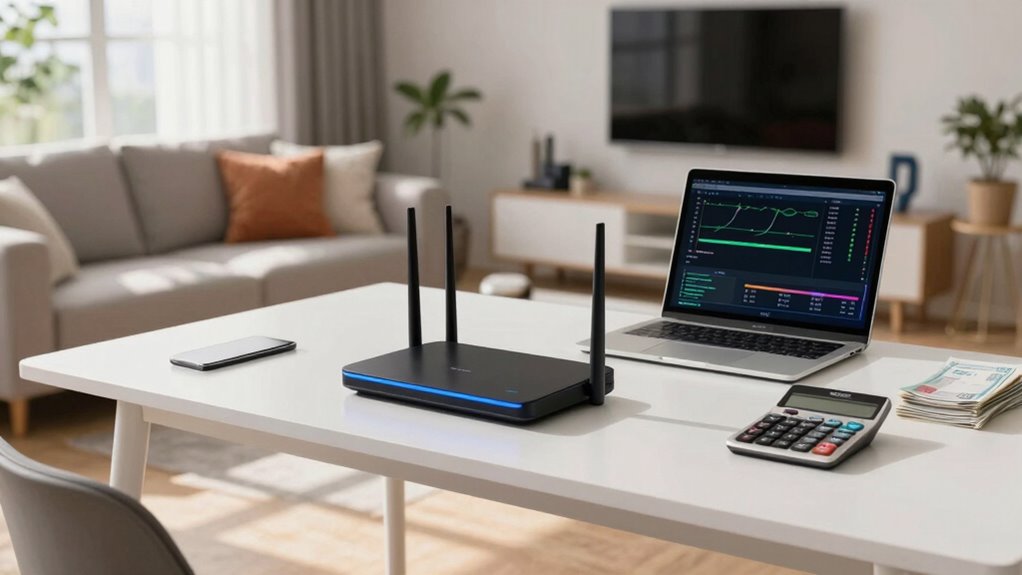
Deciding whether to upgrade your internet plan or hardware first depends on your specific needs and current setup. If your internet speeds are slow despite good hardware, upgrading your plan might be the best move. Look into pricing strategies offered by providers; sometimes, a higher-tier plan costs less than new equipment. On the other hand, if your plan already provides sufficient speeds, investing in better hardware, like a modern router, can maximize your connection’s potential. Customer support is also key—contact your provider to clarify plan options and troubleshoot issues. If technical support is lacking, upgrading hardware could be a quicker fix. Additionally, understanding your internet usage demands can help determine the most cost-effective upgrade. It’s also beneficial to consider your current network setup and whether optimizing it could improve speeds without additional costs. For example, network configuration adjustments might enhance performance without upgrading. Conducting a speed test periodically can also help you assess whether your current setup meets your needs. Regularly reviewing your network performance ensures you’re making the most informed decision. Ultimately, evaluate your current speed, usage demands, and the cost-effectiveness of each option to make the smart choice.
How to Choose the Right Internet Service Provider for Your Needs
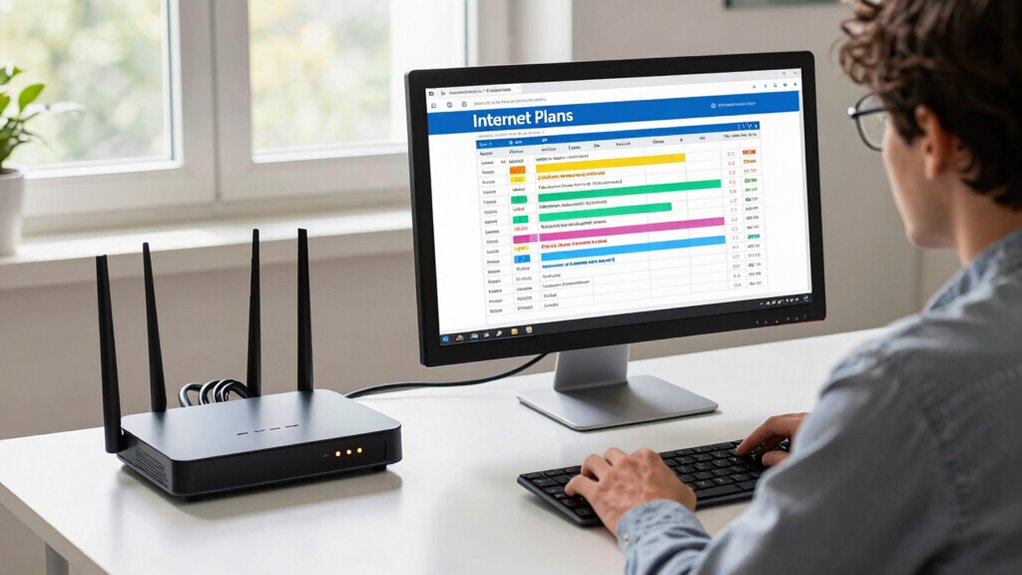
To choose the right internet service provider, start by evaluating your connection needs—think about how many devices you use and what online activities are most important. Then, compare the available service options in your area, paying attention to speed, reliability, and costs. Making informed choices ensures you get the best value for your budget and a faster, more dependable home network. Checking trusted business directories can help you discover reputable providers in your region.
Assess Your Connection Needs
Understanding your internet needs is essential before choosing a provider. To accurately assess, consider these factors:
- How many devices will connect simultaneously?
- Do you stream high-definition videos or play online games?
- Is remote work or video conferencing a daily requirement?
- Are you aware of how router placement affects signal strength and potential signal interference?
Knowing these details helps you avoid overpaying for speed you don’t need or settling for a plan that’s too slow. Proper router placement can improve your current connection, reducing dead zones and interference. By evaluating your actual usage and setup, you’ll be better equipped to select a plan that offers the right balance of speed and cost, ensuring your network runs smoothly without wasting money.
Compare Service Options
When choosing an internet service provider, it’s crucial to compare your options carefully to make certain you get the best value for your needs. Review different service plans to find one that matches your internet usage, whether you stream, game, or work from home. Pay close attention to data caps, as some providers impose limits that could slow your connection or incur additional charges if exceeded. Consider the speed offerings and whether they meet your household’s demands without overspending on unnecessary features. Check for promotional deals or bundle options that might save you money long-term. By thoroughly comparing providers’ plans and policies, you can find an affordable, reliable service that supports your faster home network without wasting money.
Tips to Boost Your Wi-Fi Signal Without Extra Cost
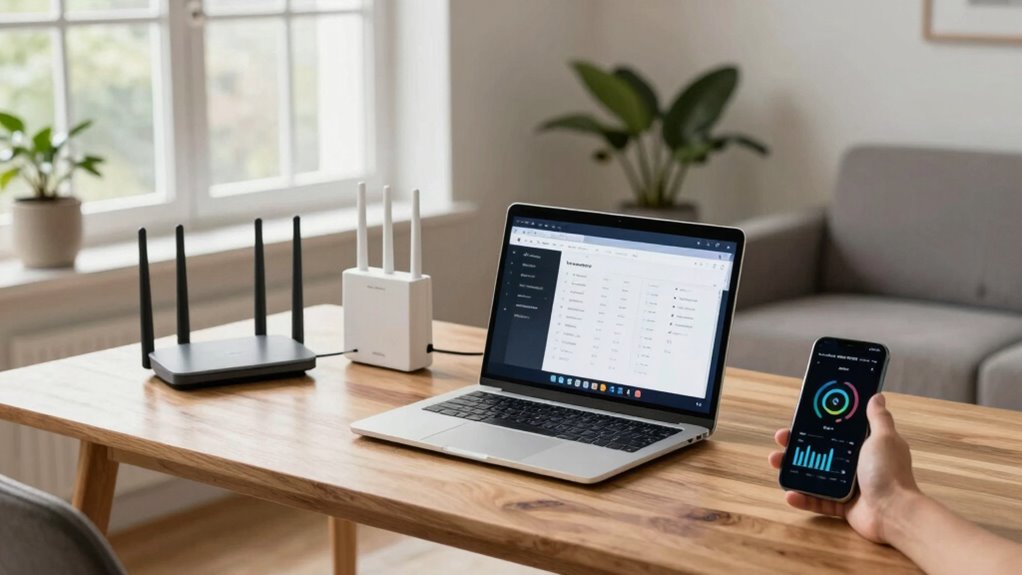
Boosting your Wi-Fi signal doesn’t have to cost extra. You can improve your connection by reducing wireless interference and enhancing signal amplification naturally. Start by:
- Moving your router to a central, elevated location to minimize obstacles and maximize coverage.
- Keeping your router away from thick walls, metal objects, and electronics that cause interference.
- Updating your router’s firmware to optimize its performance and stability.
- Using a wired Ethernet connection for devices that need steady, fast internet, reducing load on your Wi-Fi network.
These simple steps help strengthen your Wi-Fi signal without additional expenses. By addressing wireless interference and optimizing placement, you can enjoy faster, more reliable internet throughout your home.
When and How to Upgrade Your Hardware for Better Performance
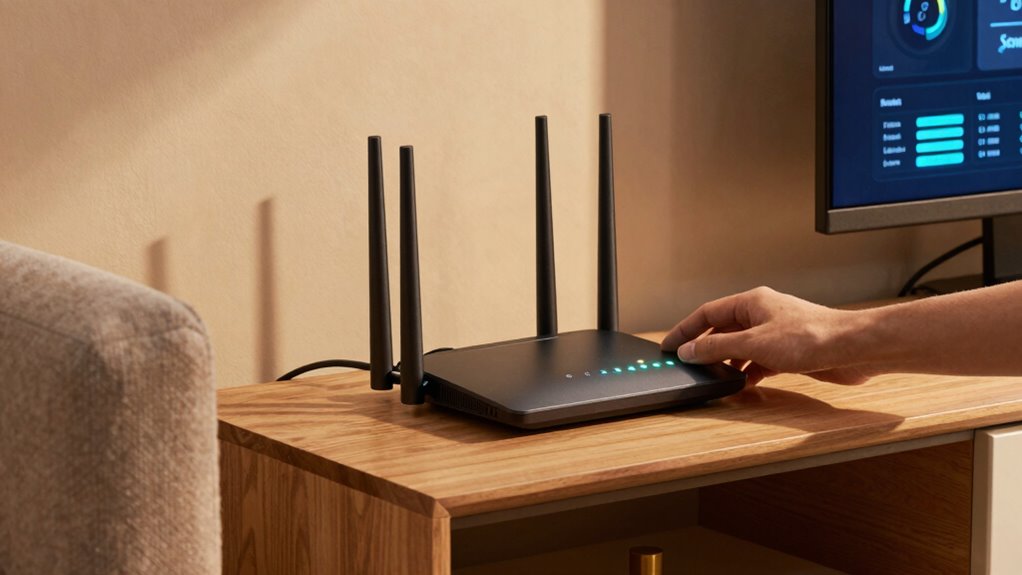
Knowing the signs that your current hardware no longer meets your needs is key to maintaining a fast, reliable home network. If your devices frequently disconnect, experience slow speeds, or struggle to handle multiple connections, it may be time to upgrade. Make certain your new hardware is compatible with your existing setup by checking hardware compatibility details before purchasing. Upgrading isn’t just about new devices; software optimization also plays a role. Regularly updating firmware and drivers can improve performance without extra costs. When you notice persistent issues despite software tweaks, consider replacing outdated routers, modems, or network adapters. Upgrading hardware at the right time ensures you get better performance without wasting money, especially when paired with proper software optimization. This balance helps you enjoy faster, more reliable internet.
DIY Tricks to Troubleshoot and Speed Up Your Wi-Fi
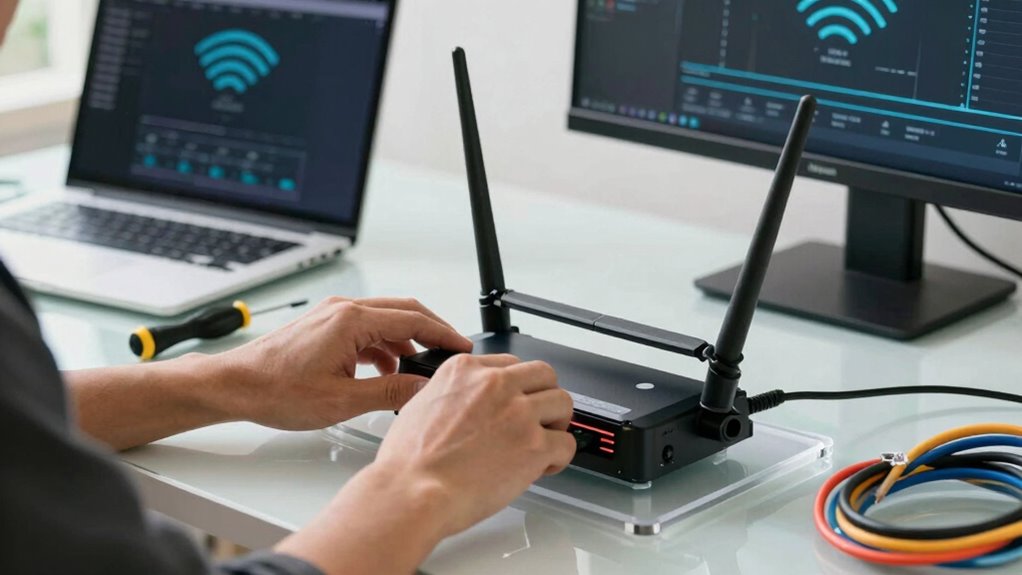
If your Wi-Fi feels sluggish or inconsistent, there are simple DIY tricks you can try to troubleshoot and improve your connection without needing professional help. First, check your router placement—placing it in a central, open location reduces interference. Second, update your Wi-Fi encryption to the latest standards for better security and performance. Third, restart your router regularly to clear temporary glitches. Fourth, run a speed test and identify dead zones where signals weaken. Additionally, consider changing the Wi-Fi channel if you notice interference from neighbors. These steps help optimize your network without extra costs, saving you money while boosting speed and stability.
Planning Your Upgrade Timeline to Save Money and Improve Reliability
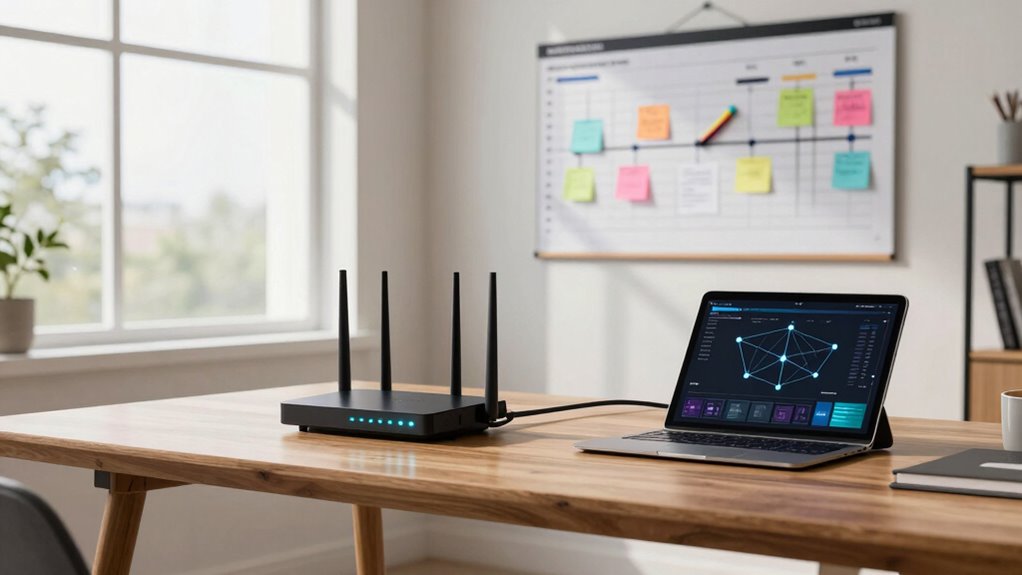
Once you’ve tried DIY tricks to improve your Wi-Fi, it’s wise to plan your upgrade timeline carefully. Consider the best upgrade timing—waiting for sales or new product releases can save you money. Avoid rushing into upgrades; instead, coordinate your purchase with promotional periods or seasonal discounts. Proper cost planning helps prevent overspending and guarantees you get the most value for your money. Assess your current needs and anticipate future demands to avoid frequent upgrades. Staggering your upgrades over time can also improve reliability and reduce costs. By aligning your upgrade timing with sales events and carefully budgeting, you maximize performance improvements without wasting money. Planning your upgrade timeline now sets the foundation for a faster, more reliable home network.
Frequently Asked Questions
How Can I Determine the Optimal Wi-Fi Router Placement?
To determine the best Wi-Fi router placement, start by positioning your router centrally in your home to maximize coverage. Keep it elevated, like on a shelf, and avoid placing it near thick walls or metal objects that cause signal interference. Also, avoid placing it near other electronics that can disrupt the signal. Test different locations to find the most effective router positioning, ensuring a strong, consistent connection throughout your space.
What Are the Signs That My Current Hardware Is Outdated?
Is your network struggling like a worn-out horse? Signs your hardware is outdated include slow speeds, frequent disconnects, and poor device compatibility. Signal interference from new gadgets or neighboring networks can also expose weaknesses. If your devices no longer support the latest Wi-Fi standards or you experience lag during streaming or gaming, it’s time to upgrade. Staying current guarantees your network remains fast, reliable, and ready for future tech.
How Often Should I Review My Internet Plan to Save Money?
You should review your internet plan at least once a year to stay current on data caps and service promotions. Regular checks help you avoid overage charges and take advantage of better deals. Keep an eye on your data usage and compare plans, especially when promotional rates end. This way, you can guarantee your plan fits your needs and budget, saving money without sacrificing speed or reliability.
Are There Affordable Ways to Improve Wi-Fi Security During Upgrades?
Coincidentally, upgrading your Wi-Fi can boost security without breaking the bank. You can do this affordably by practicing good password management—use strong, unique passwords for your network and change them regularly. Make sure you keep your router’s firmware updated, which patches vulnerabilities and enhances security. These simple steps protect your network during upgrades, saving you money and providing peace of mind without additional expenses.
What Common Mistakes Should I Avoid When Upgrading My Home Network?
When upgrading your home network, avoid common mistakes like ignoring device compatibility, which can prevent new equipment from working properly. Also, don’t overlook network congestion; adding more devices without considering bandwidth can slow everything down. Make certain your new router supports your devices’ standards, and plan for enough bandwidth to handle multiple connections. Testing your network after upgrades helps identify issues early, saving you time and money.
Conclusion
Upgrading your home network doesn’t have to break the bank. For example, replacing your router with a dual-band model can greatly boost speed without extra costs. By evaluating your current setup, setting a realistic budget, and prioritizing key hardware upgrades, you can enjoy faster Wi-Fi without wasting money. Remember, small tweaks and strategic planning make a big difference. Take action today, and your streaming, gaming, and browsing will thank you!
Halloween Picks
halloween
As an affiliate, we earn on qualifying purchases.