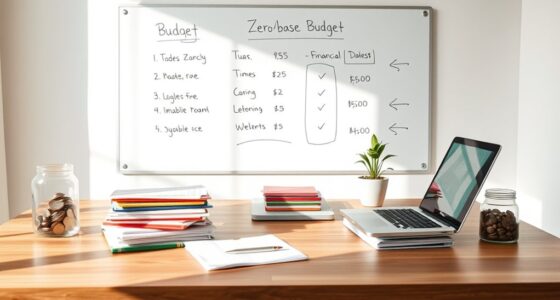

A DIY budgeting spreadsheet offers customization and control, letting you tailor categories and formulas to fit your needs, but it requires technical skills and ongoing maintenance. Paid apps provide automation, security, and ease of use, saving you time but often at a cost and with less flexibility. Your choice depends on how much you value personalization versus convenience. Stick around to discover which option might suit your financial goals best.

Get your next haul delivered free with Prime
- Fast, free delivery on millions of items
- Prime Video, Amazon Music and more included
- Member-only deals all year
Key Takeaways
- DIY spreadsheets offer customization and control but require technical skills and ongoing maintenance.
- Paid apps provide automation and ease of use but may limit personalization options.
- Data security in DIY spreadsheets depends on user diligence, whereas paid apps often include built-in protections.
- Manual data entry in spreadsheets can be time-consuming and error-prone compared to automated paid solutions.
- DIY spreadsheets are cost-effective but may lack advanced features found in subscription-based budgeting apps.
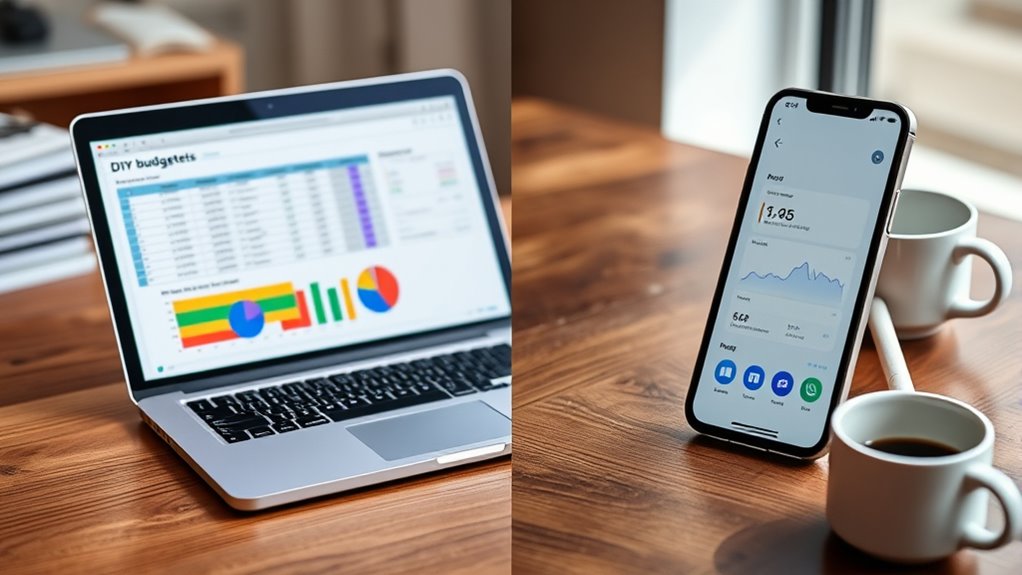
When it comes to managing your finances, deciding between a DIY budgeting spreadsheet and paid apps can be a tough choice. If you choose to create your own spreadsheet, you get the advantage of manual customization, allowing you to tailor categories, formulas, and layouts precisely to your needs. This level of control can make budgeting feel more personalized, helping you focus on what’s important. However, with customization comes responsibility. You need to be comfortable with setting up formulas, maintaining the spreadsheet, and troubleshooting errors. If you’re tech-savvy, this can be empowering; if not, it might become frustrating. Another critical aspect is data security. A DIY spreadsheet stored locally on your device or in a secure cloud service can be relatively safe if you take precautions like encryption and password protection. But if you’re not diligent, sensitive financial data could be vulnerable to breaches or accidental loss. Unlike paid apps that often have built-in security measures, your manual setup depends heavily on your security practices. Additionally, DIY spreadsheets may lack the advanced automated features that paid apps offer, which can streamline your budgeting process and reduce manual input errors.
As an affiliate, we earn on qualifying purchases.
Frequently Asked Questions
Can I Customize Paid Apps More Than Spreadsheets?
Yes, paid apps generally offer more customization flexibility than spreadsheets. You can tailor features, categories, and reports easily within their user interface, making it more intuitive to match your needs. Spreadsheets require manual adjustments and formulas, which can be less user-friendly. With paid apps, you benefit from sleek designs and advanced options that can adapt to your evolving budgeting style, giving you a more personalized experience.
Are Free Spreadsheets Sufficient for Complex Financial Planning?
Are free spreadsheets enough for complex financial planning? It’s tricky. While they offer great customization, template limitations can hold you back for advanced needs. However, the real game-changer is formula flexibility—if you’re comfortable with formulas, you can tailor your spreadsheet to handle intricate calculations. Yet, as your financial planning grows, you might find paid apps offer more robust features, saving time and reducing errors.
Which Option Offers Better Collaboration Features?
Paid apps generally offer better collaboration features, especially with cloud collaboration and real-time editing. You can easily share your budget and see updates instantly, making teamwork seamless. Spreadsheets might require manual sharing and updates, which can slow you down. If collaboration is key, paid apps provide a more efficient, synchronized experience, allowing you to work together smoothly without version conflicts or delays.
How Secure Is My Data in Paid Apps Versus Spreadsheets?
Your data in paid apps is incredibly secure—almost like Fort Knox—thanks to robust data encryption. These apps often give you control over user access, so you decide who can view or modify your financial info. Spreadsheets, while customizable, usually lack advanced security features. If security is your top priority, paid apps offer a safer environment with encryption and user access controls that keep your data protected.
Do Paid Apps Provide Better Customer Support Than Spreadsheets?
Paid apps generally offer better customer service compared to spreadsheets. You can expect prompt, dedicated support via chat, email, or phone, ensuring your issues are resolved quickly. They also prioritize data privacy, providing secure environments for your financial information. This proactive support and focus on data security make paid apps more reliable for users who value responsive assistance and safeguarding their sensitive data.
As an affiliate, we earn on qualifying purchases.
Conclusion
While a DIY budgeting spreadsheet might seem time-consuming, it puts you in full control of your finances and can be customized to fit your exact needs. Paid apps often offer automation and convenience, but they may come with recurring costs. If you’re willing to invest some effort upfront, a spreadsheet can save you money and help you develop better money habits. Ultimately, choose what feels manageable and motivating for your personal financial journey.
As an affiliate, we earn on qualifying purchases.
As an affiliate, we earn on qualifying purchases.
Halloween Picks
halloween
As an affiliate, we earn on qualifying purchases.